PDF / DOCX / XLSX / EPUB / CSV
Convert files without uploading them.
Pick a tool, drop the file and download the result. DOCX, PDF, XLSX, EPUB, CSV and more, processed in your browser.
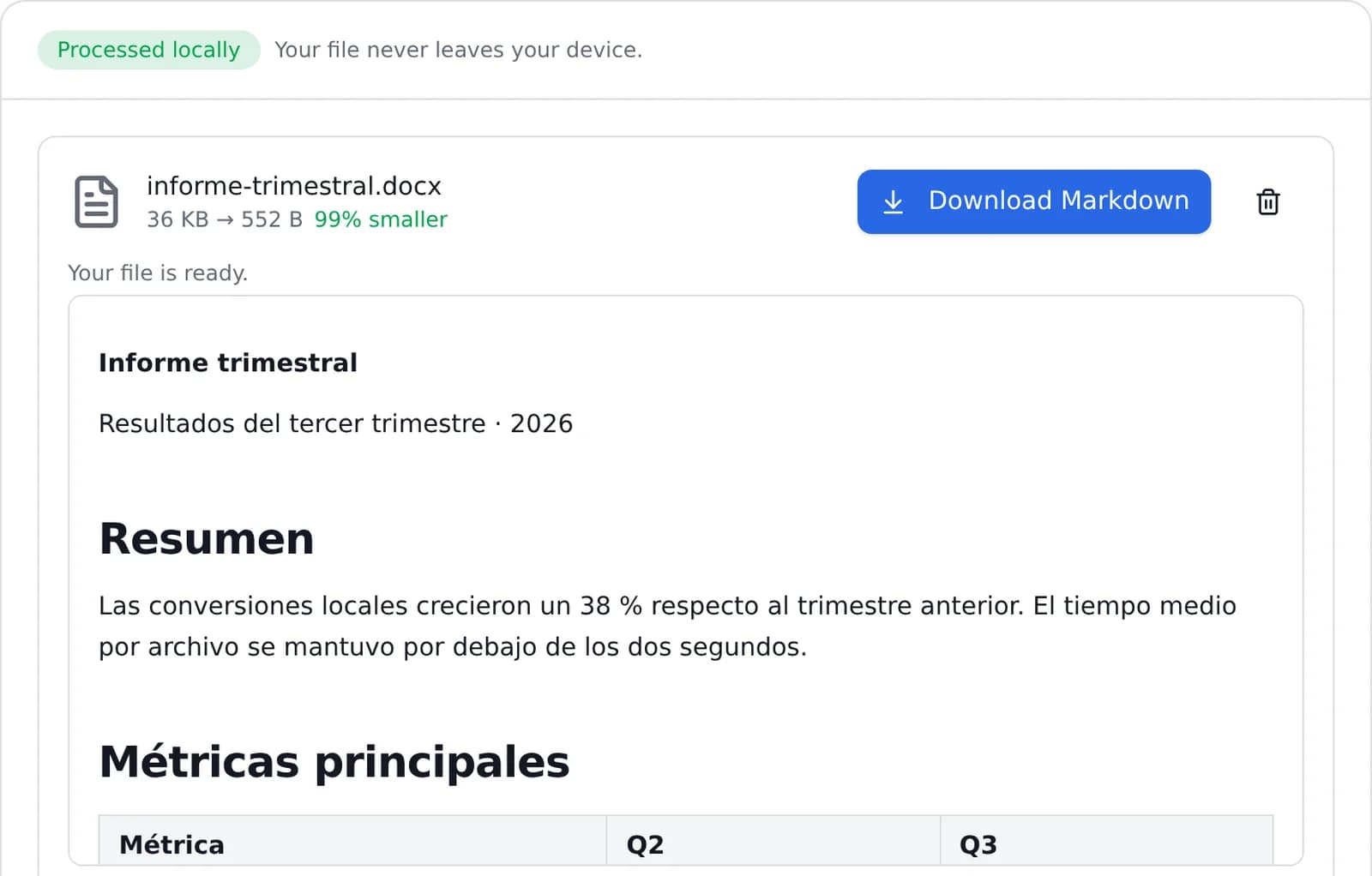
01 / Popular tools
Popular tools
The conversions people use the most.
Convert DOCX to PDF Online
Turn your Word document into a clean, ready-to-share PDF. The DOCX file is uploaded over an encrypted connection, converted on our servers…
- 02Convert PDF to DOCXConvert a PDF to an editable DOCX document in seconds. Structure is extracted, laid out with LibreOffice and the files are deleted…
- 03Convert JPG to PDFCombine JPG images into a single PDF in seconds. Put the pages in the order you want and download one document. Everything happens in your…
- 04Merge PDF FilesCombine several PDF files into a single document in the order you choose. The merge happens in your browser, so your files are never…
- 05Compress PDFMake a PDF smaller so it fits email attachments, upload forms and messaging apps. Choose the compression level; files are deleted…
- 06Convert PDF to JPGConvert every page of a PDF into a high-quality JPG image. The PDF is rendered in your browser and never uploaded.
- 07Convert PNG to JPGConvert PNG images to JPG in seconds, right in your browser. No upload, no signup and no watermark. You can adjust the quality before…
- 08Convert HEIC to JPGConvert HEIC images to JPG in seconds, right in your browser. No upload, no signup and no watermark. You can adjust the quality before…
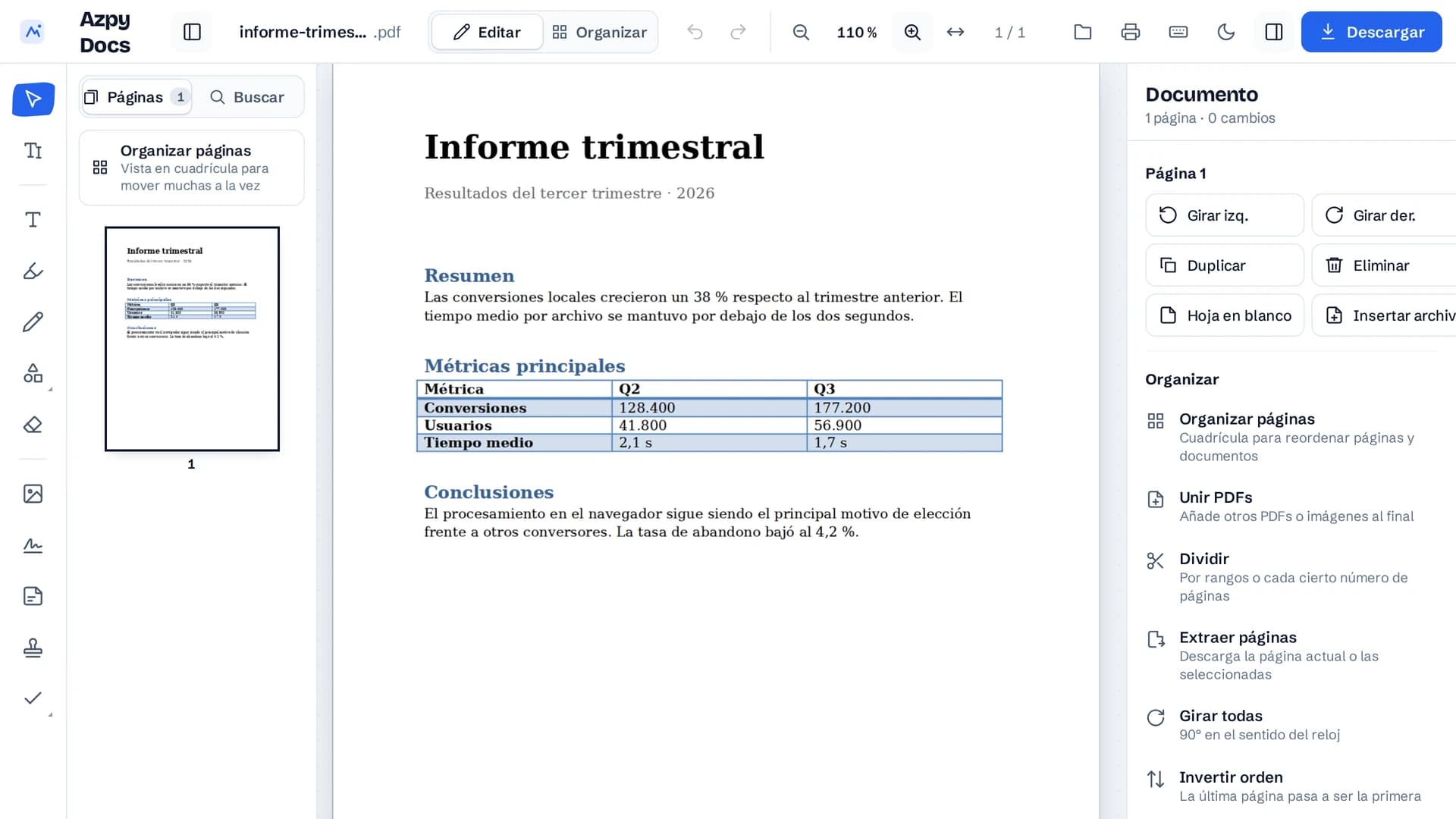
PDF editor
Edit a PDF online, free and locally
Fix the text, add images and annotations, highlight or cover content and reorder pages. No conversion to Word and no upload to a server.
The editor interface is currently in Spanish; the document is processed the same way in any language.
- Changes without rebuilding the documentYou work on the original PDF, without going through Word and losing the layout.
- All in the browserThe file is not uploaded: editing happens on your machine.
- Free and no sign-upNo account, no document limit and no watermark.
02 / Convert by category
Convert by category
Browse every tool we support.
03 / Guides and how-tos
Guides and how-tos
Practical articles on converting files, formats and workflows.
04 / Why Azpy?
Why Azpy?
- 01Private by design
- Supported files are converted in your browser with WebAssembly. Your document never touches a server.
- 02Fast
- Local conversions start as soon as you drop a file. Nothing is queued on a server.
- 03Free
- Unlimited conversions, with no signup or payment. Local tools run in your browser.
- 04Built on open source
- Built on anydoc, the MIT-licensed document engine, and other open technologies you can inspect.
05 / FAQ
Frequently asked questions
Is Azpy really free?
Yes. Every conversion on Azpy is free. There is no registration, no watermark and no hidden cost for normal use.
Are my files uploaded to a server?
For most conversions, no. Files are processed locally in your browser with WebAssembly and never leave your device. The exception is DOCX to PDF, which runs on our servers and deletes your file automatically after conversion.
Do I need an account?
No. Azpy has no signup. Choose a tool, drop your file, convert and download, that is the whole flow.
How fast is conversion?
Local conversions start instantly because there is no upload. Most files convert in a second or two.
About online file conversion
Online converters usually upload your document to a server, convert it there and send back a download link. Azpy runs supported formats in your browser with WebAssembly, so the file stays on your device and there is no queue or email step. Convert Word documents to Markdown, spreadsheets to JSON or PDFs to plain text, then download the result. Free, without an account.
Convert your first file in seconds
Pick a tool, drop a file, download the result. No account and no upload.